Practical guides for office managers building better hybrid workplaces. Learn how to optimize space utilization, automate operations, and support distributed teams.
Oops! Something went wrong while submitting the form.
Visitor Management
Visitor Management System: What It Is and How It Works
A visitor management system replaces the paper sign-in sheet with a digital process that screens, logs, and tracks every guest who enters your office. It captures who's on-site, notifies the host, and creates a searchable record for security and compliance reviews. For growing offices, this single change closes a security gap most reception desks still carry today.
A visitor management system digitizes guest check-in, replacing paper logs with pre-registration, badge printing, host notifications, and a searchable visitor record.
✓
Visitor management software reduces front-desk workload while creating the audit trail organizations need for security screening and regulatory compliance.
✓
A standalone visitor tracking system solves check-in but leaves desk booking, room booking, and office data in separate tools, creating gaps in a company's overall presence picture.
✓
PULT combines visitor management with real-time presence, desk and room booking, and emergency response in one platform, so security teams see who's on-site, employees and visitors alike, from a single source of data.
What Is a Visitor Management System?
A visitor management system is software that replaces the manual guest sign-in process with a digital, trackable one. It records a visitor's details, their arrival and departure, and notifies the employee they're there to see, all without a paper logbook at the front desk.
Companies adopt one for three reasons: security, compliance with regulations like GDPR, and a faster, more professional check-in experience for guests.
Standalone check-in tools handle the front desk in isolation. Platform-based visitor management, like PULT's, feeds that same data into a company's broader presence and office management system, so security teams see visitors and employees in one place.
What Does a Visitor Management System Do?
A visitor management system replaces manual sign-in with a digital workflow that handles the entire guest experience, from pre-registration to check-out. It records a visitor's details, notifies the right host, can issue a badge, and stores visits in a searchable log. Visitor management software runs this process on a tablet, kiosk, or mobile phone instead of a clipboard.
Core Features of a Modern Visitor Management System
✓
Pre-registration and invites: hosts send a visitor a link before arrival, with the visit details and parking or building information included.
✓
Self-service check-in: guests confirm their name, host, and purpose at a kiosk or tablet in under a minute.
✓
Optional ID and watchlist screening: depending on the platform, the system can check visitor IDs or flag names against a security or denied-entry list before a badge is issued.
✓
Badge printing and QR codes: guests can receive a visible, time-stamped credential that identifies them for that day's visit.
✓
Host notifications: the employee being visited gets an instant alert by email, Slack, or Teams, with the guest's details and, if enabled, a photo.
✓
NDA and agreement signing: legal documents are signed digitally during check-in, with a copy stored automatically for compliance records.
✓
Visitor logs and reporting: every visit is timestamped, searchable, and exportable, so front-desk trends are easy to review monthly.
✓
Emergency roll-call export: the current visitor list can be pulled during an evacuation, showing who is recorded as still in the building.
Visitor Management Software vs. a Paper Logbook
Criterion
Paper Logbook
Visitor Management Software
Data accuracy
Illegible entries, missing fields
Structured, mandatory fields
Security screening
None
Watchlist and ID checks
Emergency roll call
Manual count from paper
Instant, exportable list
Compliance records
Hard to search or retire
Searchable, with retention rules
How Does the Visitor Journey Work, From Invite to Check-Out?
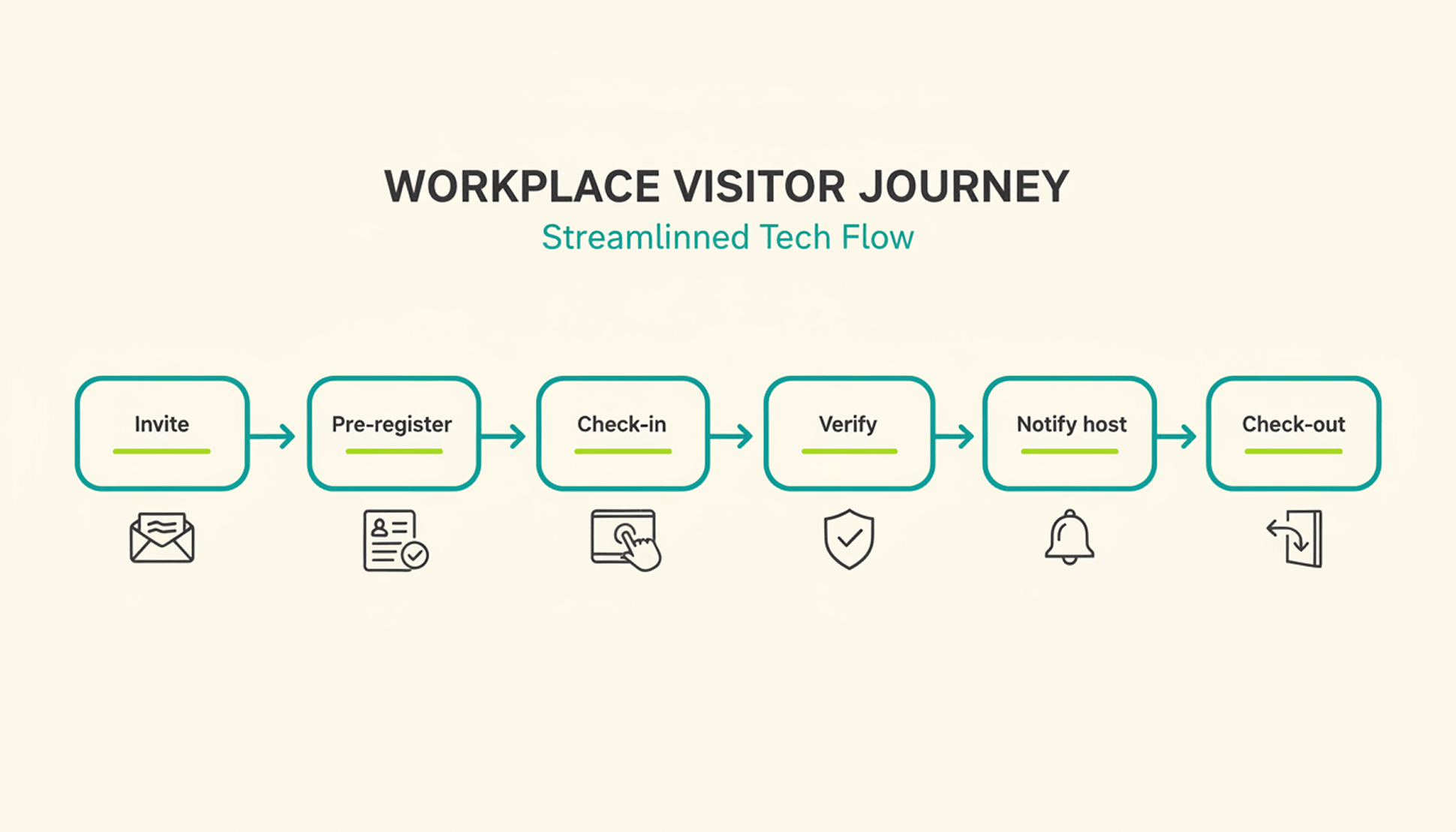
A typical visit runs through six steps. The host sends an invite, the visitor pre-registers, the visitor confirms their details on arrival, a badge can be issued, the host gets notified, and the system records check-out when the visitor leaves or at a configured time.
1
Pre-registration: the host schedules the visit and sends a link with arrival details, parking instructions, and building access notes.
2
Arrival and check-in: the visitor confirms their details at a kiosk or on a tablet or their own phone, usually in under a minute.
3
Optional identity and watchlist verification: depending on the platform and configuration, additional ID or security-list checks can be performed before building access is granted.
4
Badge issuance: a printed or digital badge identifies the visitor for the building and can be limited to that day's visit.
5
Host notification: the employee being visited receives an instant alert to come to reception, with the visitor's name and, if enabled, photo.
6
Check-out and logging: the visitor checks out on departure, or the system can close the visit automatically at a configured time, keeping the record administratively up to date.
What Are the Benefits of a Visitor Management System for the Office?
The clearest benefit is a complete, searchable record of who was on-site and when, something a paper log or verbal check-in can't provide.
Security and Compliance Benefits
A visitor management system can screen guests against a watchlist before they reach the office floor, depending on the platform and configuration. It can keep a timestamped log of visits for security and compliance reviews. Under GDPR, visitor data counts as personal data, so it needs a lawful basis for collection, an appropriate retention period or criteria for determining it, and safeguards against unauthorized access. A digital system can support these controls directly in the check-in process, reducing reliance on manual steps.
Visitor accountability also matters during an emergency. OSHA guidance notes that visitors need to be accounted for after an evacuation, and many employers use the sign-in list to run that headcount. A missing name on that list can delay an all-clear by several minutes, minutes that matter during a real evacuation.
Because PULT Presence tracks employees and visitors in one live view, a facilities team can pull an accurate roll call the moment an alarm sounds, not after searching through a paper binder.
Front-Desk Efficiency and Visitor Experience Benefits
Automated check-in cuts the time your team spends on manual sign-in, badge writing, and phone calls to announce a guest. A receptionist freed from clipboard duty can focus on greeting visitors and other front-desk work. Visitors move through reception faster, often in under a minute, and the first impression of your office improves the moment someone walks in the door. For client meetings or investor visits, that faster, more polished check-in becomes part of how your company presents itself.
How Do You Choose the Right Visitor Management Solution?
The right visitor management solution depends less on feature count and more on how well it fits your existing security setup, office size, and tool stack. A system built for a five-person startup office looks very different from one built for a 500-person campus with multiple buildings and a dedicated security team.
Calendar, HR, and communication tools your team already uses
Security and compliance
Data retention controls, audit logs, GDPR-aligned handling
Scalability
Pricing and setup across multiple locations
Price
Per-location vs. per-user pricing models
Ease of use
Kiosk setup time and how quickly staff can learn the system
Is a Standalone Visitor Management Platform Enough for a Modern Office?
A standalone visitor management platform solves the front-desk problem, but most offices also run desk booking, room booking, and parking through separate tools. Connecting these systems into one platform gives security and facilities teams a single, live view of who is on-site, employees and visitors together.
That connection matters most during a security incident or an office move, when facilities teams need one current view of occupancy rather than four separate logins to check. PULT pairs visitor management with desk booking software, room booking, and presence data, so a single dashboard shows recorded on-site employees and visitors. Office managers evaluating a broader workplace management software setup typically start here, since visitor data becomes far more useful once it's connected to the rest of the office.
{{onpage-cta}}
Turn Visitor Check-In Into a Security Advantage
A visitor management system turns a vulnerable front desk into a controlled entry point, giving you a searchable record of who checked in and when. The real payoff comes when it connects to the rest of your office, from desk booking to real-time presence data, giving you one live picture of recorded on-site users. For growing offices, that visibility is worth seeing in action.
✓
Visitor check-in, desk booking, room booking, and presence data live in one platform, so you manage all of it from a single login.
✓
A real-time view shows who is on-site, employees and visitors together, for faster emergency roll calls.
✓
Every visit is recorded in a searchable log, with records available for security and compliance reviews.
✓
Microsoft Teams and Slack support visitor notifications, while Personio and HiBob connect employee data through built-in integrations.
{{onpage-cta-2}}
The 6 best desk booking systems
Desk booking systems usually combine the reservation of desks, meeting rooms, office zones and other workplace resources in a single platform. Many providers also offer integrations with calendar and chat tools.
The best system for your team depends on how you work and what processes you want to support. The criteria below help you evaluate the options and show when each point matters most.
Booking of desks and rooms: relevant when desks, meeting rooms and office zones need to be used flexibly and you require binding reservations.
Floor plans and visual office overview: important when employees want to choose specific seats or when you operate across multiple floors or locations.
Automation and check in (no show handling): relevant when booked but unused spaces are a recurring problem. Automatic release after a set time ensures that resources are not blocked.
Calendar synchronisation (Outlook / Google Calendar): important when meetings and office attendance should be managed in the same calendar. A two way sync ensures that bookings match in both the booking system and the calendar.
Integrations with Microsoft 365, MS Teams, Slack and similar tools: especially relevant when your daily collaboration already takes place in Teams, Outlook, Slack or Google Workspace.
Team and attendance overview (hybrid planner): useful for hybrid teams that coordinate in office days. Seeing who will be in the office on which day makes planning much easier.
Parking and resource booking: relevant when you also need to book parking spaces, visitor spots or additional equipment such as monitors or technical devices.
Visitor management: important if you regularly host guests, candidates or service providers. Digital pre registration, check in, host notifications and visitor logs streamline the reception process.
Analytics and occupancy reports: especially relevant when you want to optimise office space. Dashboards showing occupancy levels, booking frequency, peak times and no shows reveal which spaces are truly used.
Data protection, hosting and compliance with GDPR and local privacy regulations: essential for companies in Germany, Austria and Switzerland.
The information on features, pricing and services is based on publicly available sources from the providers (as of November 2025). It is intended for general orientation only. Providers may change their offerings at any time, and no guarantee can be given for completeness or accuracy.
This article includes a presentation of PULT as part of a broader market overview. It is based on careful research, but it is not an objective test report. It is an editorial comparison that includes some promotional elements.
All mentioned brands are the property of their respective owners and are listed for comparison purposes only. PULT has no business relationship with the providers referenced here.
The 6 best desk booking systems
#1 PULT
PULT is a cloud based desk booking system developed in Germany. It combines all major features needed to organise modern office spaces. The platform supports the booking of desks and meeting rooms and also includes visitor management, attendance overviews, parking, hybrid team planning and detailed analytics on office utilisation.
The software integrates with Microsoft Outlook, Microsoft 365, Google Calendar, MS Teams and Slack. Booked but unused rooms and desks are automatically released again. In addition, PULT provides insights into actual usage and booking behaviour, making it easier to plan and optimise rooms, spaces and workstations.
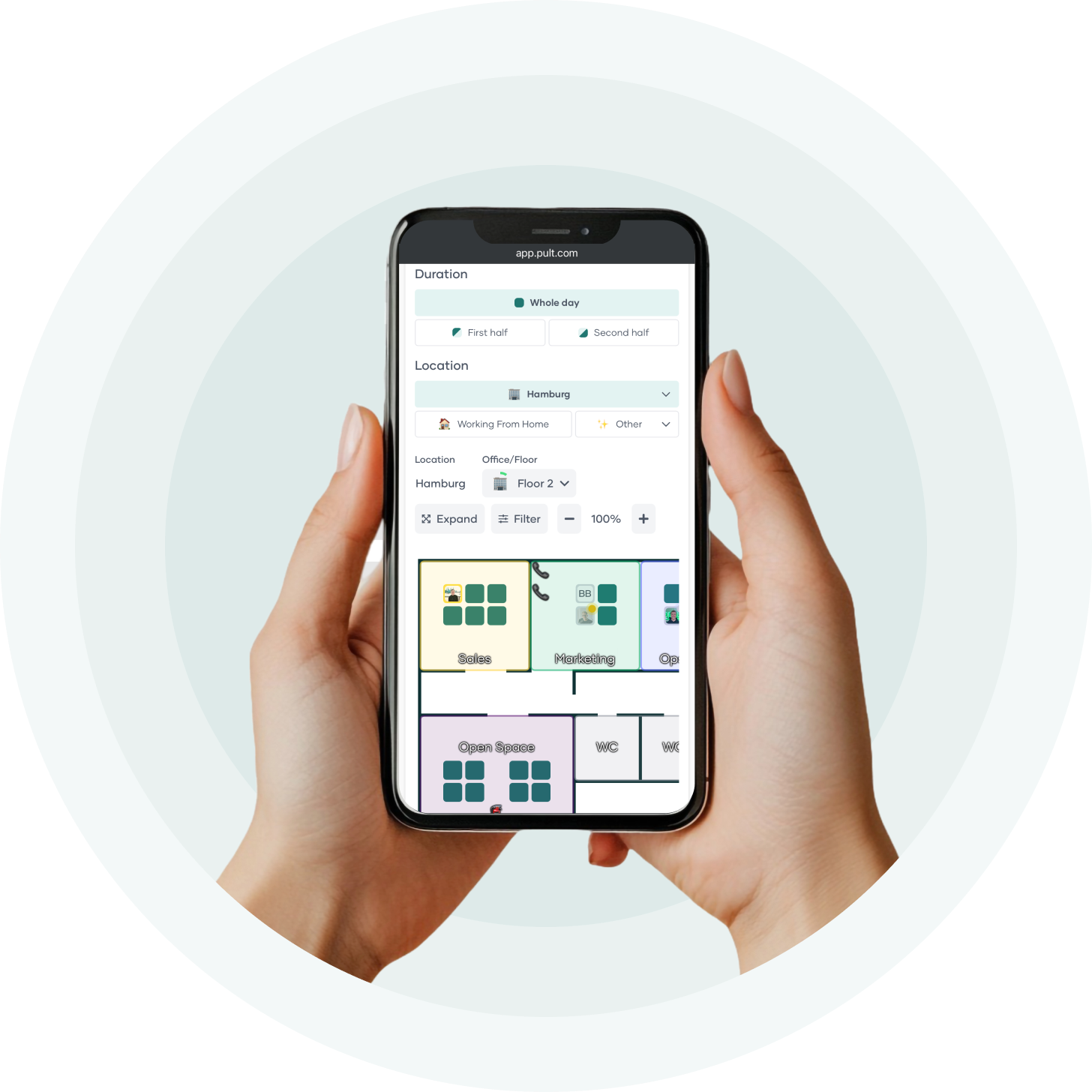
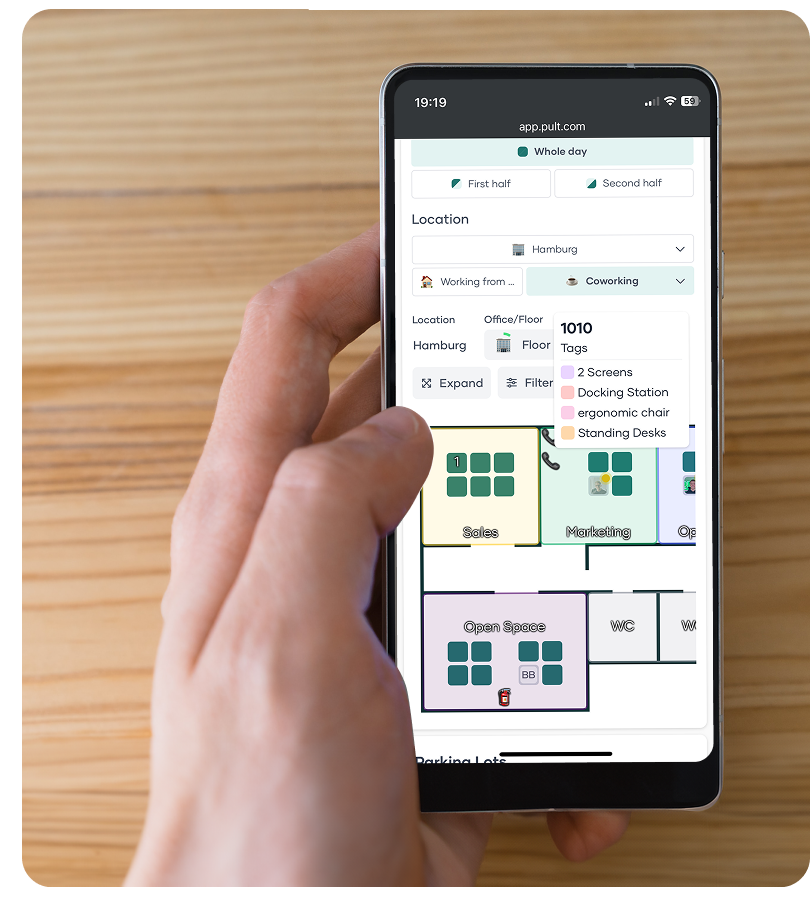
Desk booking (Desk Booking): Booking desks through interactive floor plans with tags, equipment filters, QR check in and automatic check in via WiFi.
Room booking (Room Booking): Booking meeting rooms with two way calendar sync for Outlook and Google, resource management, invitation options and optional catering.
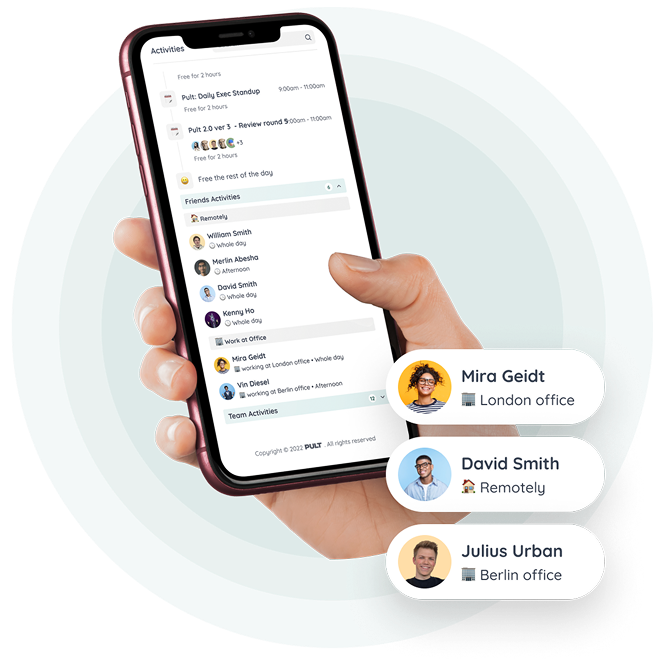
Hybrid team planning: Clear overview of who is in the office, remote or unavailable on each day. Options include favourites, recurring days, anonymous bookings and calendar synchronisation.
Visitor management: Digital visitor registration, custom sign in flows, documents and NDAs, iPad reception mode, host notifications and badge printing.
Office analytics: Utilisation reports, occupancy statistics, heatmaps and export functions to analyse how space is used.
PULT Presence: Automatic attendance detection through company WiFi, with configurable rules, logs and reports for RTO and compliance.
Parking and additional resources: Booking and administration of parking spaces and other office resources.
Integrations: Connections with Microsoft 365, Google Workspace, Slack, MS Teams, Okta, HRIS systems and WiFi or network based systems.
Security and hosting: Developed and hosted in Germany with GDPR compliant data processing and ISO 27001 certified infrastructure.
Pricing for PULT:
Pricing for PULT starts at 1.90 euros per user per month. Higher tier plans include additional features such as API access, single sign on and white label options. A free demo and product walkthrough are available.
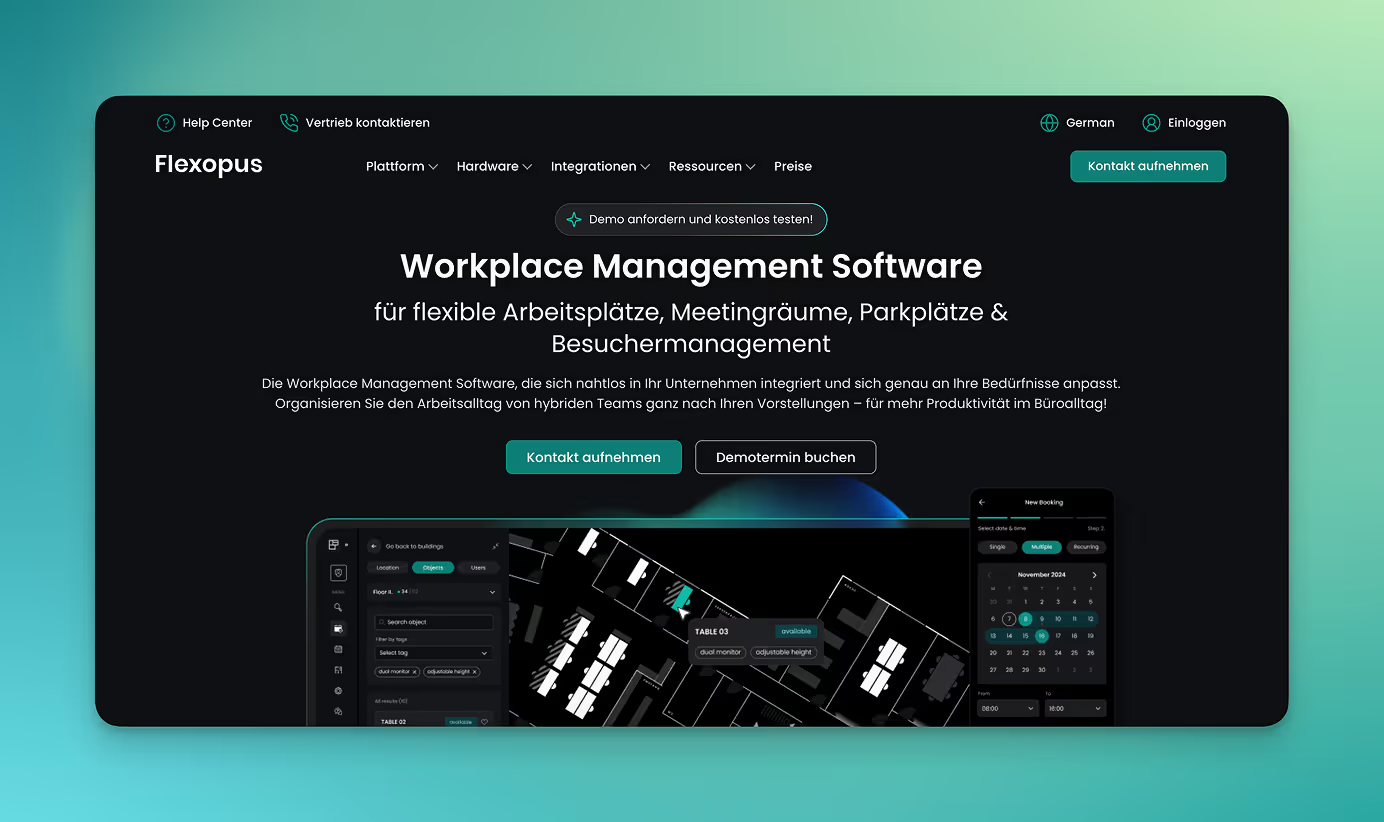
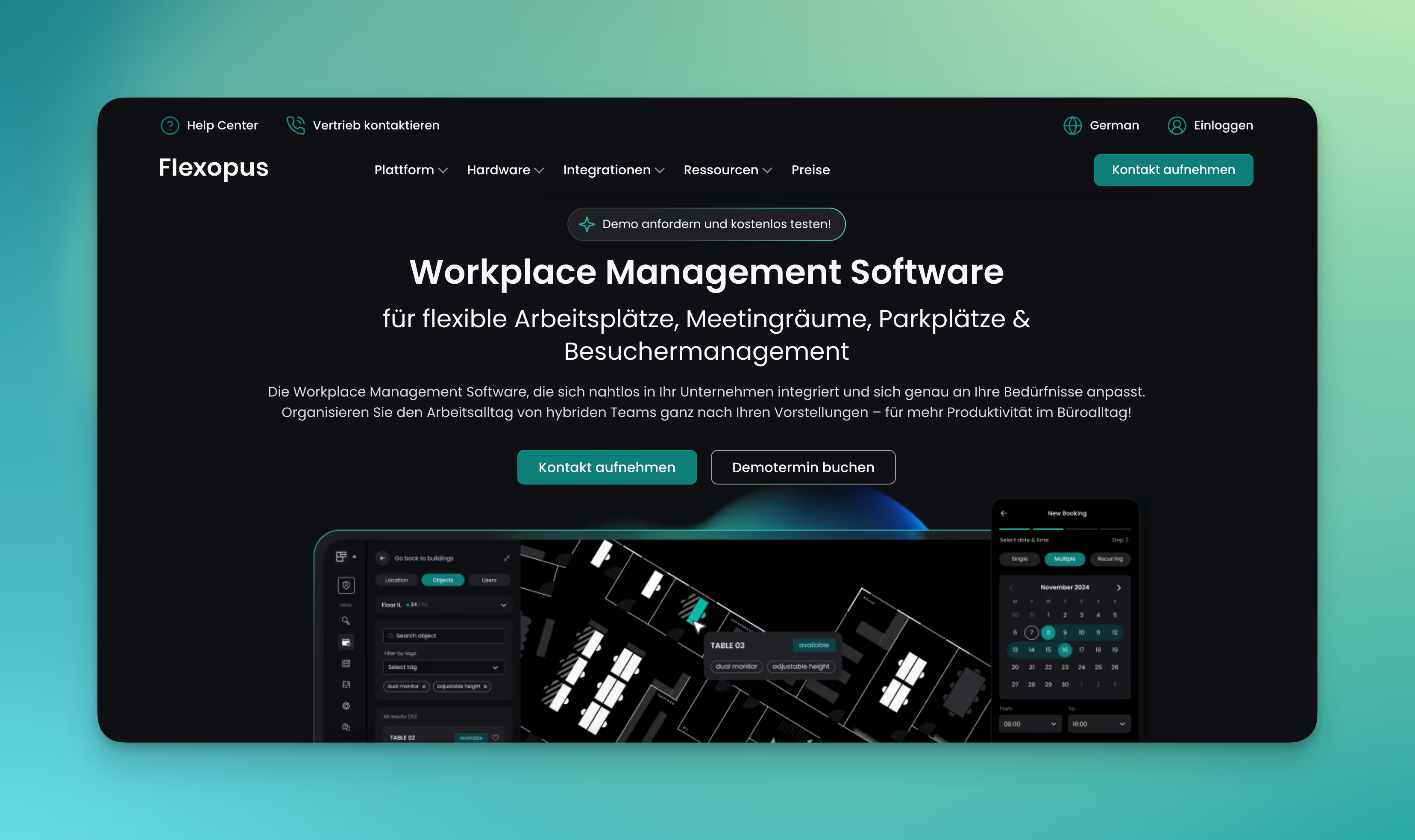
Flexopus is a booking system for desks and meeting rooms that brings the core functions of desk booking together in one platform. The software is developed and hosted in Germany and meets strict requirements for data protection and security.
Desk and room booking: Reserve desks, rooms and zones through the web or the mobile app.
Digital floor plans: Interactive office maps that show available and occupied spaces.
Check in and check out: Arrival and departure via QR code or the desk display, with automatic release if a booking is not used.
Room and desk displays: Flexopus offers its own hardware to show booking status and support check ins directly on site.
Visitor management: Guests can be registered in advance with invitation emails and QR code check in at reception.
Analytics and reporting: Insights into how desks and rooms are used across the office.
Integrations: Works with Microsoft Teams, Outlook, Google Calendar and provides a REST API for custom integrations.
Data protection and hosting: Hosted on German servers (Hetzner in Nürnberg and Falkenstein), ISO 27001 certified. Flexopus also provides a data processing agreement and details on its subprocessors.
Pricing for Flexopus Flexopus uses a resource-based pricing model, meaning the cost depends on the number of desks, rooms or other items you want to manage. You can try the software free for 30 days.
In the Starter plan, each resource begins at 1.59 € per month.
In the Business plan, which includes additional features, each resource begins at 2.99 € per month.
#3 desk.ly
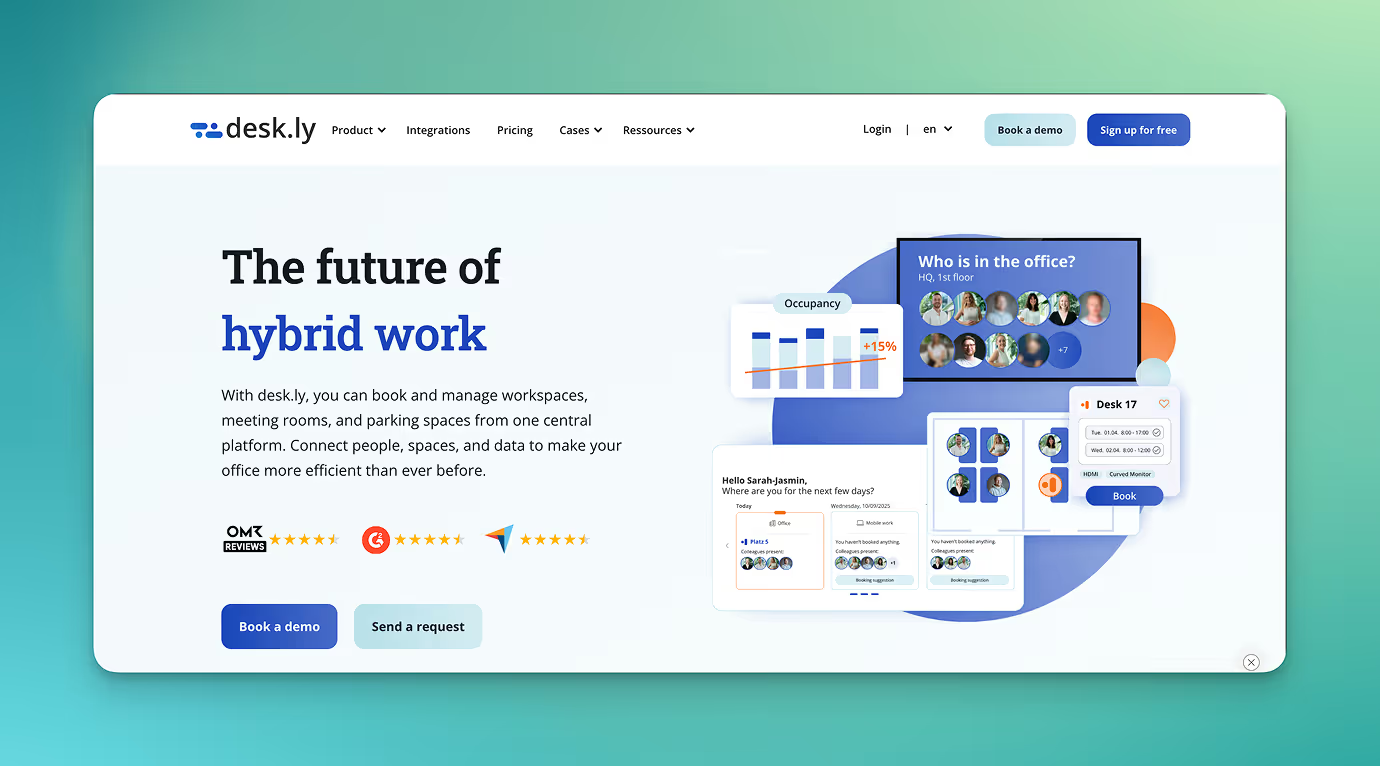
desk.ly ist ein deutsches Arbeitsplatz-Buchungssystem. Die Plattform ermöglicht eine einfache Organisation von Arbeitsplätzen, Räumen und Parkplätzen und bietet darüber hinaus Funktionen für Auswertung und Administration.
Booking of individual workstations, meeting rooms and parking spaces: Users reserve desks and rooms through digital floor plans or calendar views. Bookings can be made in the browser or via the app.
Digital office floor plans: Interactive maps show all available spaces.
Calendar integration: Synchronisation with Outlook, Google Calendar and MS Teams.
Team overview: Shows who will be in the office on which day.
Kiosk and attendance mode: Employees can record their attendance in the office or book available spaces spontaneously using a terminal, tablet, laptop or smartphone.
Parking management: Booking and administration of parking spaces and charging points.
Analytics and utilisation: Dashboards show how often desks and rooms are booked and help optimise the use of office space.
Data protection and hosting: Operated in German data centres (AWS Frankfurt), ISO 27001 certified and fully GDPR compliant. A data processing agreement can be requested.
Pricing for desk.ly: The Corporate plan starts at €1.65 per user per month, and the Enterprise plan starts at €2.20 per user per month. A free version is available for small teams with up to 15 users.
#4 Seatti
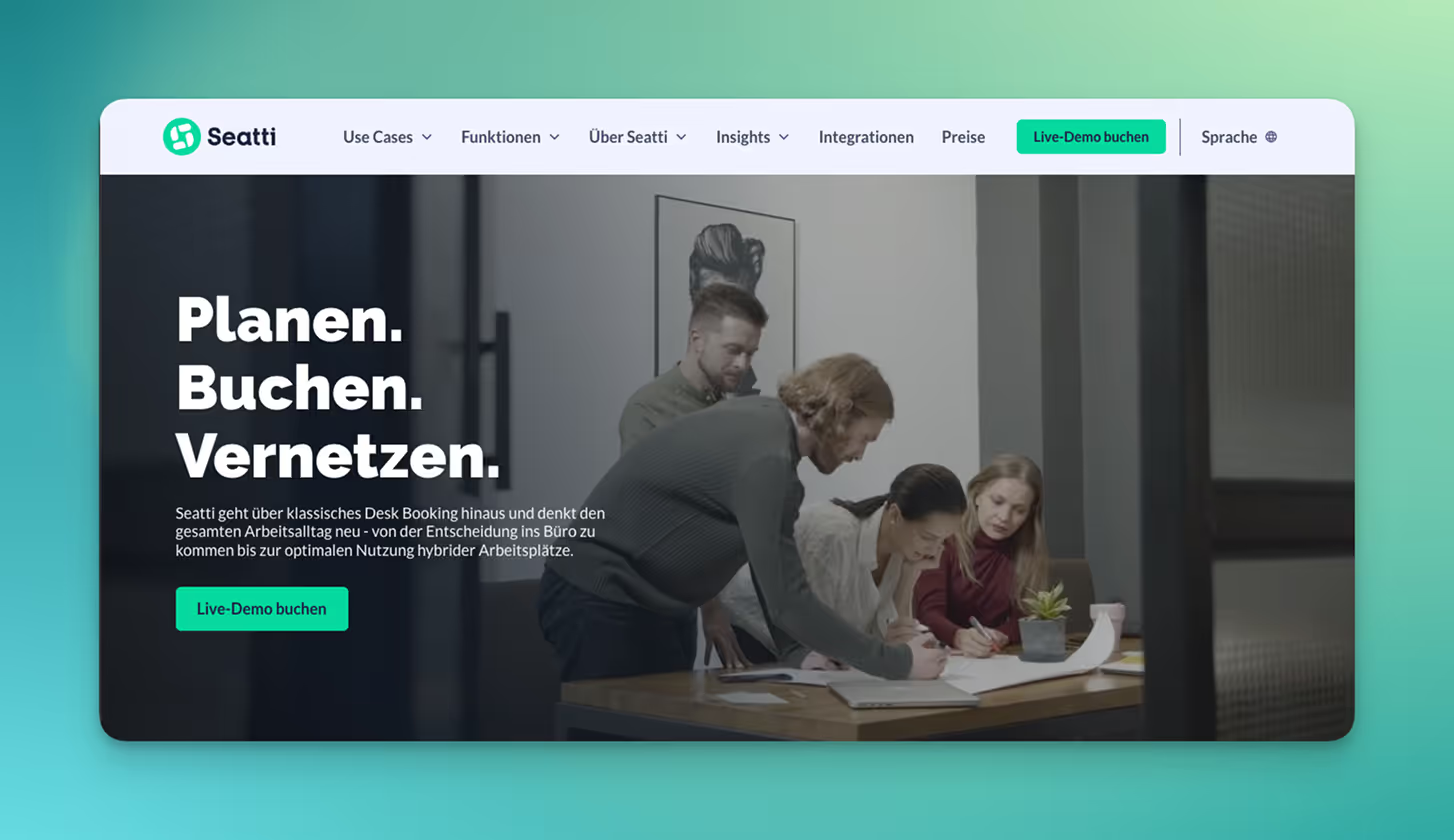
Seatti is a cloud based desk booking system designed for companies with hybrid work models, especially those working heavily with Microsoft 365. The software is tightly integrated with Microsoft Teams and Microsoft Entra ID and brings together desk booking, room booking and parking reservations, along with team planning and analytics on office usage.
Desk booking: Booking desks through interactive floor plans with minute level reservation, reuse of last week’s bookings and booking suggestions directly inside Microsoft Teams.
Room booking: Conference and meeting rooms can be booked in the same interface.
Parking and resource booking: Option to book parking spaces and other resources in the same system, with the Teams app supporting bookings for desks, rooms and parking.
Team and location overview: Overview of where colleagues are working, which locations are being used and when shared office days make sense.
Analytics and occupancy reports: Insights into space usage and workplace occupancy with data analytics.
Microsoft 365 integration and Teams app: Native integration in Microsoft Teams, installation through the Teams App Store, Microsoft SSO support and connection to Microsoft Entra ID.
Data protection, anonymisation and ISO certification: Seatti is ISO 27001 certified. Bookings can be named or anonymous. Usage reports are based on anonymised, aggregated data and are not intended for employee monitoring according to the provider.
Pricing for Seatti:
Seatti offers three plans starting at 1.90 € per user per month. Higher tier plans include additional features. All features are included in the Hybrid Enterprise plan, with pricing available on request. Booking conference rooms and catering is offered as an add on module with an additional fee.
#5 anny
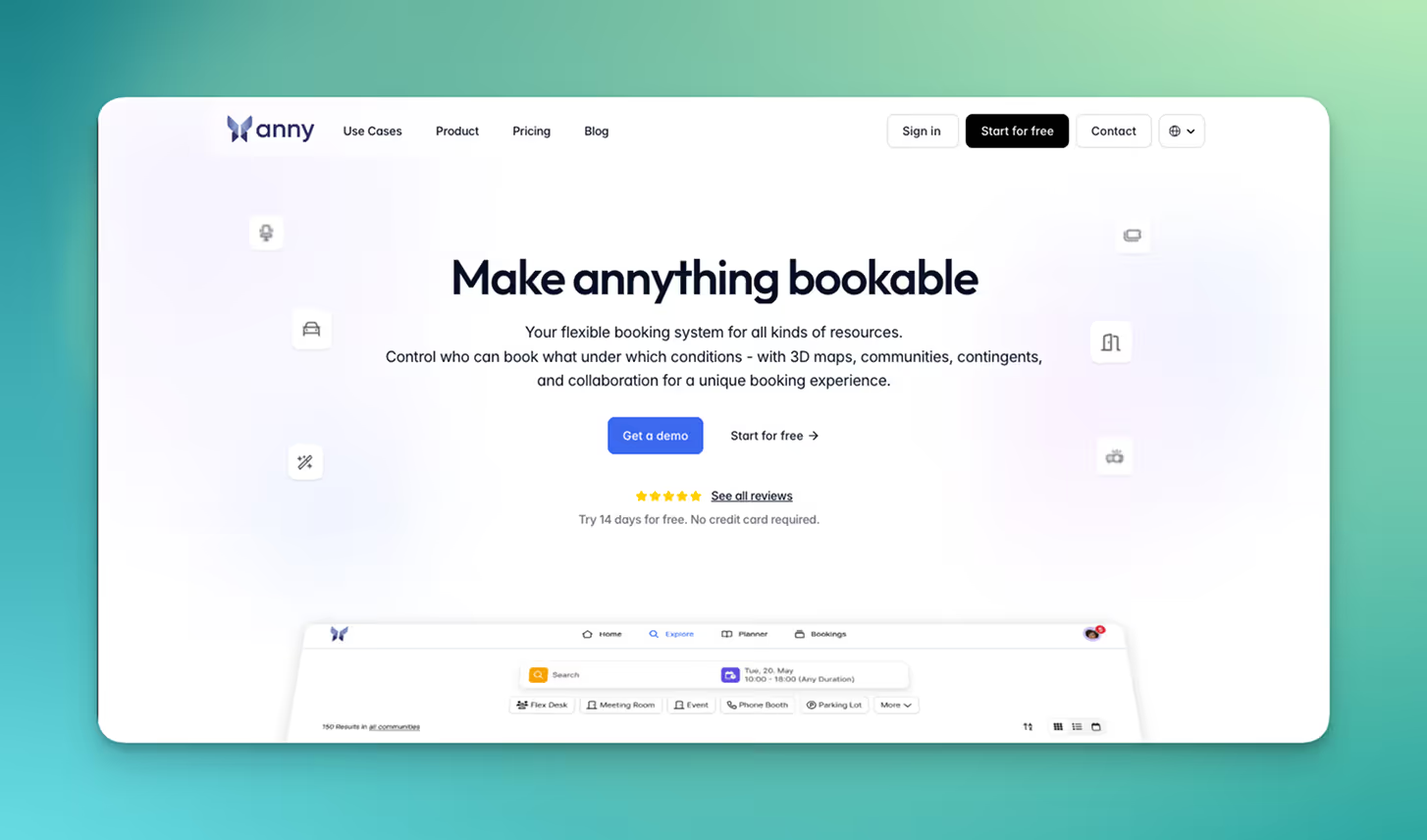
anny is a cloud based desk booking system from Germany that brings together the management of workspaces, meeting rooms, parking spaces and other office resources in one platform. The software is used for workspace management in hybrid offices, room bookings, visitor management and event or resource calendars.
Workspace and desk booking: Booking workspaces through a single interface. Workspaces can be managed as individual child resources and can be controlled with rules, quotas and access permissions.
Meeting room and space booking: Booking meeting rooms and other spaces with a calendar view, calendar synchronisation with Outlook and Google Calendar, plus optional add ons such as catering or equipment.
Parking and resource management: Management and reservation of parking spaces, equipment and other resources in the same system used for desks and rooms, including detailed booking rules.
3D maps: Visualisation of locations, floors, rooms and workspaces on an interactive three dimensional map that allows direct booking.
Communities, permissions and booking rules: Control over which users can book which resources through communities (groups), roles and permission systems, booking quotas and extended booking rules.
Planner and calendar features: Planning office attendance and bookings with calendar, planner and map views, including two way synchronisation with Microsoft 365 and Google Workspace.
Visitor management: Digital visitor registration with check in, collection of contact details, digital signatures and optional badge printing.
Analytics and occupancy reports: Insights and heatmaps showing the utilisation of rooms and workspaces, helping to assess and optimise space usage.
Integrations (Microsoft 365, Google Workspace, smart locks, HR): Connections to Microsoft 365, Google Workspace, Microsoft Teams, smart lock systems and third party tools such as Personio, plus API and webhook access in higher tier plans.
Data protection and hosting: According to the provider, anny is fully GDPR compliant, developed in Germany and hosted on servers located in Germany.
Pricing for anny
Pricing is based on the number of managed resources and the chosen plan. In the Essential plan, one resource costs 5 dollars per month. In the Professional and Business plans, the price per resource increases to 10 and 15 dollars per month, and each plan includes a broader set of features.
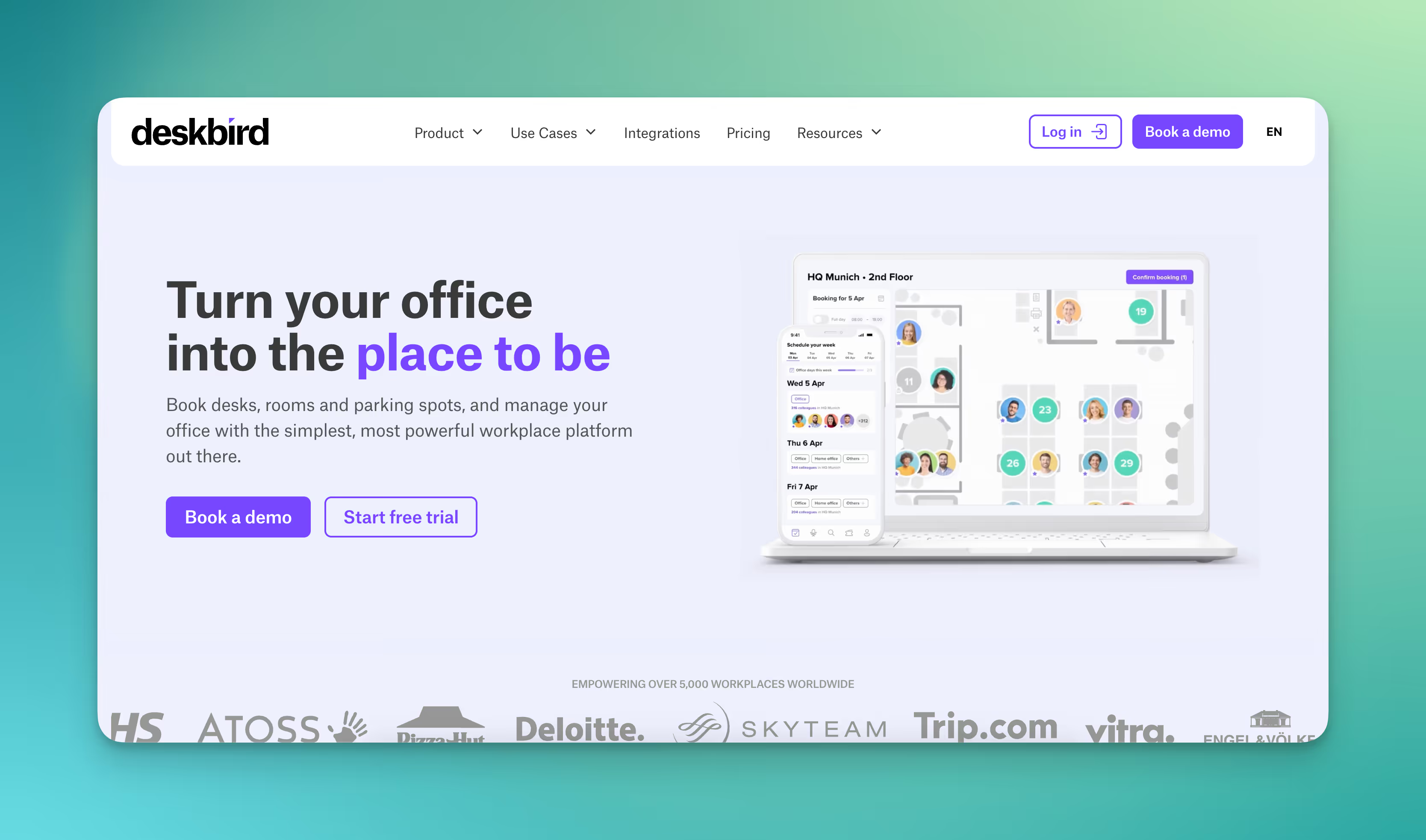
#6 deskbird
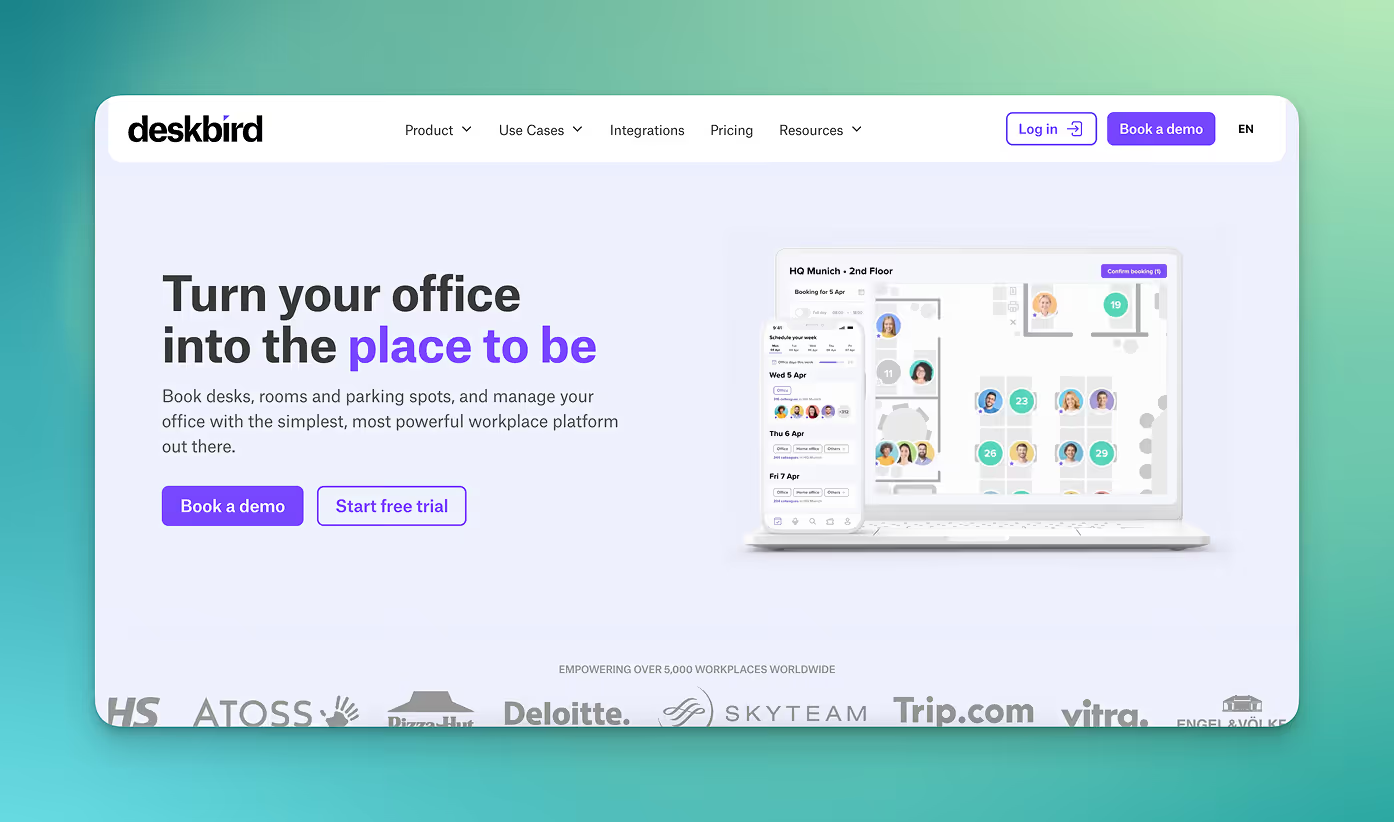
Desk and room booking: Booking desks, meeting rooms and parking spaces via web, app or Microsoft Teams.
Weekly planning: Teams plan their office days together, see who will be onsite on which days and coordinate shared office time.
Automatic release for no shows: Unused bookings are cancelled after a set period, making desks available again.
Visitor management: Guests can be registered in advance and checked in digitally when they arrive.
Analytics and reporting: Insights into occupancy rates, usage frequency and desk availability.
Integrations: Connections to Microsoft Teams, Outlook, Slack and Google Calendar. The platform also provides API, SCIM and SAML interfaces for larger organisations.
Data protection and hosting: GDPR compliant. Data is processed in the Google Cloud region in Frankfurt, Germany. ISO 27001 certified. Personal booking data can be anonymised automatically, by default after six months.
Pricing for deskbird
Licensing is based on the number of users. The Starter plan begins at €2.80 per user per month, and the Business plan starts at €3.80 per user per month, with reduced pricing available for larger user numbers. Enterprise plans are available for larger organisations.
What makes PULT a popular desk booking system?
In PULT you see both booking data and the real occupancy of desks, rooms, zones and parking spaces.
With PULT Presence the actual presence of your employees is recorded as soon as their laptop or smartphone connects to the company WiFi. Check in happens automatically and does not depend on any sensors. Your WiFi is all that is required.
{{logos}}
{{onpage-cta}}
Hybrid Work
How companies can make their workplace more sustainable
Germany has already reduced its greenhouse gas emissions by around forty eight percent compared to 1990 and aims to reach climate neutrality by 2045. Yet sectors such as buildings, transportation, and parts of the wider economy still offer significant untapped potential, including how workplaces themselves can be made more sustainable.
Sustainability in the office comes from using energy and materials responsibly, creating healthy working conditions, and designing spaces that match what employees actually need.
Simple actions you can implement immediately such as switching off devices, printing on both sides, or choosing video calls instead of short trips reduce consumption right away.
Buildings account for the largest share of energy use. Every hour without heating, cooling, or lighting lowers resource demand.
Ergonomic workstations, good air quality, and zones designed according to real needs reduce strain on employees and improve their ability to work.
Desk sharingreduces resource use because it prevents unused space from being maintained and frees up areas that can be turned into functional work zones.
Sustainable space planning relies on accurate usage data so that the number and types of workspaces fit actual demand.
What makes a workplace sustainable?
A sustainable workplace is built on three pillars: using resources responsibly, creating healthy working conditions, and ensuring processes that make economic sense.
In practice, this means using energy and materials carefully, shaping everyday work in a way that supports employee health, and establishing structures in the company that help people work effectively.
Ecological Dimension
The ecological dimension of workplace sustainability includes everything that influences resource consumption in the office:
electricity for lighting and IT
heating and cooling
paper use
waste
commuting and mobility
Buildings in Germany are among the largest energy users and account for roughly 35% to 40% of final energy consumption. Every improvement, whether more efficient lighting, reduced paper use, or better mobility planning, has a direct impact.
Social Dimension
The focus here is on how the workplace and its surrounding environment affect employee health. A large share of absences is caused by musculoskeletal issues and mental stress.
Ergonomic furniture, enough movement throughout the day, good air quality, and a calm working environment help maintain and improve performance. Sustainability also means creating a workplace that supports employees in a lasting and meaningful way.
Economic Dimension
This dimension relates to the economic efficiency of daily work. Electricity costs, material consumption, device lifespan, and the use of office space all have a direct impact on the budget.
At the same time, new EU requirements such as the CSRD (Corporate sustainability reporting) demand more comprehensive sustainability reporting. Measures that save resources and establish clear processes support companies on both the operational and regulatory level.
How can energy and resource use in the office be reduced?
Most energy and resource consumption in the office comes from heating, cooling, lighting, IT equipment, and material use. With a few technical adjustments and clear behavioural guidelines, these levels can be reduced significantly.
Adjust building technology
Adjust heating and cooling temperatures: Lowering the room temperature by one degree in winter reduces heating demand by about six percent. Raising the cooling temperature by one degree in summer leads to similar savings.
Ventilate rooms properly: Short, complete air exchanges lower carbon dioxide levels and prevent unnecessary heat or cold loss. Tilted windows keep rooms open for long periods and significantly increase energy use.
Improve lighting: Replacing older bulbs with LEDs noticeably reduces electricity consumption. Motion sensors prevent lights from staying on in unused rooms, and zone based lighting prevents entire floors from being lit when only a few areas are used.
Set clear operating guidelines:
Energy settings for workstations: Terminals, laptops and monitors should switch to energy saving mode after defined periods and power down at the end of the working day.
Reduce the number of devices: One large multifunction printer uses less energy than several small machines spread across different offices.
Check additional devices: Portable heaters, personal fridges or desk fans increase consumption disproportionately. Companies should define which extra devices are allowed and which are not.
Adjust behaviour in the office:
Switch devices off completely: Computers, monitors and peripherals should be turned off at the end of the working day. High standby consumption mainly comes from devices running overnight or through the weekend.
Keep doors closed: When heating or cooling is in use, energy demand rises sharply if warm or cold air escapes. Closed doors reduce this loss.
Use office materials carefully: Supplies should only be taken when needed. A shared supply station prevents stockpiling in different rooms and reduces waste.
Reduce resource consumption:
Lower paper usage: Digital workflows replace printed documents. When printing is necessary, double sided and black and white settings should be the default.
Use recycled paper: Recycled paper with environmental certification saves up to seventy eight percent water and about sixty eight percent energy compared to fresh fibre paper.
Centralise consumables: Storing supplies in one place prevents duplicate orders and gives a clear picture of actual usage.
How do I set up my office in a sustainable way?
A sustainable office setup follows three core principles: materials that require few resources and do not pollute indoor air, furniture that can be used and repaired for many years, and workstations that minimise physical strain. In addition, spaces should be arranged and used in a way that reflects what employees actually need.
Choose materials that are gentle on the environment and indoor air:
When it comes to furniture and equipment, the choice of materials affects both the environmental footprint of production and the air quality in the workspace.
Wood with FSC or PEFC certification: This confirms that the wood comes from responsibly managed forests.
Furniture with tested emissions: Products carrying environmental labels such as the Blue Angel release fewer volatile substances into the air.
Modular furniture: Individual parts such as tabletops, wheels or fittings can be replaced without having to dispose of the entire piece
Choose furniture that will last:
Durable furniture reduces resource use because replacements are needed less often.
Solid construction: Sturdy table frames, hard wearing surfaces and reliable mechanisms mean fewer repairs.
Available spare parts: Items such as gas lifts, armrests or caster wheels should be easy to order separately.
Refurbished furniture: Restored pieces can offer the same functionality while using far fewer materials.
Set up workstations ergonomically:
An ergonomic layout reduces back, neck and shoulder strain and therefore helps prevent common causes of absences.
Height adjustable desks: Switching between sitting and standing eases the load on the spine.
Adjustable chairs: Seat height, seat depth, backrest and armrests should all be adjustable.
Position screens correctly: The top edge of the monitor should be roughly at eye level and glare from windows or lamps should be avoided.
Set up spaces according to actual needs:
In many companies, the increase in home office days means that parts of the office remain empty at times and overall occupancy drops. Instead of maintaining permanently assigned desks, this creates an opportunity to rethink how the entire space is used.
Share workstations: When employees are not on site every day, fewer individual desks are needed.
Define zones: Quiet areas for focused work, areas for collaboration and calls, break areas and additional zones for movement and balance.
Use booking software: This makes it clear when specific office resources are in use. Heating, cooling, ventilation, cleaning and maintenance can be managed more efficiently.
Tip: With a booking tool, your employees can reserve a desk, a meeting room or a specific zone for their team day. This gives everyone fair access to all shared resources.
Improve indoor climate and lighting:
Add plants: They reduce noise and improve the perceived air quality.
Monitor carbon dioxide levels: A simple measuring device shows when it is time to ventilate.
Create even lighting: Glare free, daylight like lighting reduces eye strain and fatigue.
How can employees make their commute and business trips more sustainable?
Sustainable mobility at work means avoiding unnecessary journeys and choosing transport options that cause fewer emissions per kilometre when travel is required. The biggest impact comes from the choice of transport and the decision whether a meeting truly requires travel in the first place.
Plan commutes in a smarter way:
The daily commute is the biggest source of mobility related emissions in many organisations. The difference between transport options is significant.
Use a bike for short distances: For short routes in urban areas, a bike is often the fastest option. It produces no direct emissions and helps ease traffic.
Take public transport when possible: Buses and trains cause far fewer emissions per kilometre than a car. Many employees benefit from a subsidy for the Deutschlandticket because it makes switching to public transport easier.
Share rides: When several colleagues live in the same area, sharing one car reduces the number of daily trips.
Review business trips and appointments:
Use digital meetings: If a meeting does not require direct personal interaction, a video call is sufficient.
Combine several appointments: For on site visits, check whether additional client meetings or supplier visits can be arranged on the same day.
Assess distances carefully: Short business trips can often be done on foot or by bike as long as no materials need to be transported.
Align company offerings:
Some of the mobility measures mentioned only work when the company provides the right conditions.
Bike parking facilities: Covered parking and charging options for e bikes make switching to a bike much easier.
Changing rooms and storage: Space for helmets, wet clothing, backpacks, shoes and a change of clothes supports employees who cycle or walk.
Company bikes and JobRad style models: A good option for employees who do not want to use their own bike or who travel longer distances.
How can office nutrition be made more environmentally friendly?
Sustainable eating in the workplace depends on the choice of food, the handling of packaging and the way communal catering is organised. The biggest impact comes from deciding which meals are offered or brought to the office.
Benefits of communal catering:
A shared catering service through a canteen makes affordable meals possible in a way that individuals could not achieve on their own.
Lower food waste:
Caterers and canteens can plan portion sizes because they know guest numbers and eating habits.
Overproduction can be reduced and leftovers can be redistributed.
Waste does not accumulate at many individual desks but in one place where it can be monitored and reduced.
More control over meal composition:
Companies can increase the share of plant based dishes or make vegetarian options the standard.
Suppliers can be chosen deliberately with criteria such as regional, seasonal or certified sourcing.
The quality of ingredients can be defined consistently.
Fewer packaging materials:
Communal catering avoids the many single use packages that typically come with individual take away meals.
Large containers and reusable boxes replace disposable items.
Drinks can be provided through water dispensers or carafes.
Lower cost per portion:
Bulk quantities are cheaper than many single portions.
Plant based dishes are generally less expensive than meat based meals.
Lower waste volumes reduce disposal costs.
Better everyday nutrition:
Well planned menus support a more balanced diet.
Set meal times and a shared place to eat strengthen a sense of community and make breaks more restorative.
Employees need to shop less spontaneously, which usually leads to more sustainable choices.
What does sustainable use of office space look like?
A key part of sustainability comes from understanding how much office space is actually needed. Every square metre has to be heated, cooled, lit and cleaned, whether it is in use or standing empty.
In many companies, hybrid work means that a large share of desks remain unused on several days of the week. This creates vacant space that leads directly to unnecessary resource consumption.
Desk sharing reduces unused space:
When employees are not in the office every day, fewer permanent individual desks are needed. With desk sharing, the number of workstations is aligned with actual attendance. This lowers the amount of space that is maintained but not used.
The benefit is lower consumption per square metre:
less demand for heating and cooling
lower electricity use for lighting
reduced cleaning effort
fewer pieces of furniture and equipment that need to be provided
The space that becomes available when unused workstations are removed can be put to new use. You can turn it into rooms and zones that genuinely support the way your employees work.
Zones for focused work with acoustic shielding
Areas for collaboration and teamwork that can be adjusted freely
Phone booths and quiet rooms that are often missing in open offices
Social and break areas that improve the overall office experience
Spaces for exercise and options that support mental balance and play
These rooms and zones can be created and booked in the PULT booking software. Your employees can choose the place, room or zone that fits their task on any given day.
{{onpage-cta}}
The best workplace management software for your company
Workplace management software combines booking, planning, and analysis in one platform. In addition to reserving individual workstations and meeting rooms, it also analyzes the utilization of existing office resources. Many providers also offer integration with calendar and chat software.
The best workforce management software covers a wide range of requirements. Which features are important to you depends on your specific project. The following criteria can help you make your selection:
Booking workstations and rooms: If desks, meeting rooms, or zones are to be used as needed.
Floor plans and overview: When digital maps or calendar views make it easier to keep track of available space.
Automation and check-in: To automatically release booked but unused spaces and reliably record attendance.
Analytics and utilization: To measure the actual use of workspaces, identify heavily and rarely used resources, and further develop space planning accordingly.
Integrations: When Microsoft 365, Outlook, Google Calendar, Slack, or MS Teams need to be integrated into existing workflows.
Data protection and hosting: When data processing must comply with GDPR.
Identity and access systems: Recommended when SSO, SCIM, or API connections are needed to enable secure and uniform user management.
The following information on features, prices, and services is based on publicly available sources from the providers (as of October 2025). It is for guidance only. Providers may make changes at any time; no guarantee can be given for the accuracy or completeness of this information.
This article contains a presentation of PULT as part of a market overview. It is based on careful research, but is not an objective test report, rather an editorially prepared comparison with some promotional elements.
All brands mentioned are the property of their respective rights holders and are listed for comparison purposes only. PULT has no business relationship with the providers mentioned.
The 5 best workspace management softwares 2026
#1 PULT
PULT is a platform from Germany that manages meeting rooms, workspaces, zones, and parking spaces in a single workplace management software. It also includes visitor management, office evaluation with statistics, and special features such as automatic check-in via Wi-Fi connection in PULT Presence.
The software can be integrated into Microsoft Outlook, Microsoft 365, Google Calendar, MS Teams, and Slack. Booked but unused rooms and spaces are automatically released again. In addition, PULT provides evaluations of actual usage and booking behavior, allowing for better planning of rooms, spaces, and workstations.
Workstation and room booking: Digital booking of desks, meeting rooms, and zones with calendar or floor plan view.
Hybrid Planner: Clear weekly planning in which teams can coordinate attendance and jointly determine office days.
Visitor management: Management of guests and external appointments, including digital check-in and automatic notification of the host.
PULT Presence: Automatic check-in via Wi-Fi to record actual presence in the office.
Office Insights: Evaluations of space utilization, capacity utilization, and booking frequency as a basis for further office planning.
Integrations: Connection with Microsoft Teams, Outlook, Google Workspace, Slack, Personio, and common SSO systems (Microsoft, Google, Okta).
Security & Hosting: Development and hosting in Germany, GDPR-compliant data processing, and ISO 27001-certified infrastructure.
PULT pricing:
PULT pricing starts at €1.90 per user per month. Additional plans offer advanced features such as API access, single sign-on, and white label options. A free demo and product demonstration are available.
Flexopus is a workplace and room booking software that combines all core workplace management functions in one platform. The system is developed and hosted in Germany and therefore meets data protection and security requirements.
Booking workstations, rooms, and parking spaces: Employees reserve available spaces, meeting rooms, or parking spaces using digital floor plans. Bookings are made via web app, MS Teams, or app.
Visitor management: Guests can be registered in advance, including email invitations and QR code check-in at reception.
Catering and resource planning: Rooms can be linked to additional services such as catering or equipment (e.g., projectors, technology).
Room and workspace displays: Flexopus offers its own hardware solutions for displaying booking status and check-ins directly on site.
Analytics & utilization: Dashboards show utilization, booking frequency, and no-shows. Companies can see which areas are actually being used and where there is potential for optimization.
Integrations: Connection to Microsoft Teams, Outlook, Google Calendar, and a REST API for individual connections.
Flexopus pricing: Flexopus calculates prices based on resources, i.e., the number of workstations, rooms, etc. The software can be tested free of charge for 30 days. In the Starter plan, each resource costs from €1.59 per month, and in the Business plan with more features, from €2.99 per month.
#3 deskbird
deskbird is a Swiss provider specializing in booking software for hybrid workplaces. In addition to room booking, the platform also includes parking space reservations and team planning.
Booking workspaces and rooms: Desks, zones, and meeting rooms can be reserved directly via a calendar or floor plan view. Bookings can be viewed and adjusted in real time.
Hybrid weekly planning: Teams plan office attendance together, see who is on site on which days, and coordinate office days efficiently.
Automatic release for no-shows: Unused bookings are automatically canceled after a defined period of time to make workspaces available again.
Visitor management: Guests can be registered in advance and managed via digital check-ins upon arrival.
Analytics and utilization: Dashboards show occupancy rates, utilization trends, and booking behavior. The data helps optimize space utilization and plan office requirements.
Integrations: Link to Microsoft Teams, Outlook, Slack, and Google Calendar. The platform also offers API, SCIM, and SAML interfaces for larger organizations.
Prices from deskbird:
deskbird offers per-user licensing. Prices start at $2.80 per user per month for the Starter package and $3.80 per user per month for the Business package, with prices decreasing as the number of users increases. Individual enterprise plans are available for larger companies.
#4 desk.ly
desk.ly is German workplace management software that helps companies organize their office space. The application is designed for ease of use, clarity, and secure data processing.
Booking workstations, meeting rooms, and parking spaces: Users reserve spaces and rooms via digital floor plans or calendar views. Bookings can be made directly in the browser or via the app.
Kiosk and attendance mode: Employees can use a terminal or tablets, laptops, and smartphones to record their attendance at the office or book spontaneously available spaces.
Team overviews: Colleagues can see who is working in the office on which days and can schedule themselves to work next to each other.
Analytics and utilization: Dashboards show how often workspaces and rooms are booked. The evaluations help to plan office space more efficiently and avoid bottlenecks.
Integrations: Connection to Microsoft Teams, Outlook, and Google Workspace. Support for single sign-on (SSO) and SCIM in higher license levels.
Prices for desk.ly:
Corporate plan starting at $1.65 per user per month, Enterprise plan starting at $2.20 per user per month. A free version for small teams of up to 15 users is also available.
#5 Yoffix
Yoffix is workplace management software designed for companies that use Microsoft 365 or Outlook as their working environment. The software supports resource booking and the management of hybrid working models.
Booking workstations, rooms, and parking spaces: Employees reserve desks, meeting rooms, or parking spaces directly via digital floor plans or calendar views.
Resource and visitor management: Manage shared office resources such as monitors, technology, or parking spaces. Visitors can be registered and checked in via QR codes.
Hybrid planning: Weekly and team overviews show who is working in the office. This allows you to coordinate attendance and plan office occupancy.
Analytics and utilization: Dashboards provide key figures on booking frequency, occupancy, and room usage. Companies can use this information to optimize their space planning.
Integrations: Deep integration with Microsoft Teams and Outlook, plus connection to Slack and HR systems such as Personio or SAP SuccessFactors.
Yoffix prices:
From €1.50 per user per month for workplace booking, €10 per room per month for room management, €80 per month for visitor management. Additional features available at an extra cost per month and/or resource.
What makes PULT a popular workplace management software?
PULT provides you with booking data and values for the actual occupancy of workstations, rooms, zones, and parking spaces.
PULT Presence records the actual presence of your employees as soon as their laptop or smartphone connects to the company Wi-Fi. Check-in is automatic and completely independent of sensors. All you need is your Wi-Fi.
{{logos}}
{{onpage-cta}}
The best desk sharing software for your company
Desk sharing software enables the shared use of workspaces and ensures simple and convenient office organization. The systems offer functions for booking desks, rooms, and parking spaces, display occupancy in real time, and comply with data protection guidelines.
The best desk sharing software offers you a wide range of features and also covers requirements that may arise in your company in the future. Which features are important to you depends on your specific project. The following criteria can help you make your selection:
Booking workspaces and rooms: Enables binding reservations for desks, meeting rooms, or zones directly via app or browser.
Floor plans and overview: Visually display available workspaces and make it easier to find your way around the office.
Automation and check-in: Useful for automatically releasing previously booked but then unused spaces and recording staff attendance.
Calendar synchronization: Links bookings to Outlook or Google Calendar so that team members can also see in the calendar which colleagues are on site at what time and where.
Integrations: Integrates Microsoft 365 including MS Teams, Slack, or HR systems such as Personio.
Team overview: Shows which colleagues are in the office and makes it easier to plan attendance days together.
Analytics and utilization: Helpful for measuring the actual use of workspaces, identifying heavily and rarely used resources, and further developing space planning accordingly.
The following information on features, prices, and services is based on publicly available sources from the providers (as of October 2025). It is for guidance only. Providers may make changes at any time; no guarantee can be given for the accuracy or completeness of this information.
This article contains a presentation of PULT as part of a market overview. It is based on careful research, but is not an objective test report, rather an editorially prepared comparison with some promotional elements.
All brands mentioned are the property of their respective rights holders and are listed for comparison purposes only. PULT has no business relationship with the providers mentioned.
The 6 best desk sharing software programs
#1 PULT
PULT is a platform from Germany that enables workplace booking as well as the booking of meeting rooms, zones, and parking spaces in a single desk sharing software. In addition, it offers visitor management, office evaluation with statistics, and special features such as automatic check-in via Wi-Fi connection in PULT Presence.
The software can be integrated into Microsoft Outlook, Microsoft 365, Google Calendar, MS Teams, and Slack. Booked but unused rooms and spaces are automatically released again. In addition, PULT offers evaluations of actual usage and booking behavior, which makes it easier to plan rooms, spaces, and workstations.
Desk booking system and room booking: Book desks, meeting rooms, and zones with calendar or floor plan view.
Digital office floor plans: Interactive views show occupied and free spaces in real time.
Integrations: Connection with Microsoft Teams, Outlook, Google Workspace, Slack, Personio, and common SSO systems (Microsoft, Google, Okta).
PULT Presence: Automatic check-in via Wi-Fi to record actual presence in the office.
Team overview: Shows who is in the office on which days and makes it easier to plan joint presence days.
Visitor management: Manage guests and external appointments, including digital check-in and automatic notification of the host.
Office Insights: Evaluations of space utilization, capacity utilization, and booking frequency as a basis for further office planning.
Security & hosting: Development and hosting in Germany, GDPR-compliant data processing, and ISO 27001-certified infrastructure.
PULT prices:
PULT prices start at €1.90 per user per month. Additional plans offer advanced features such as API access, single sign-on, or white label options. A free demo and product demonstration are available.
deskbird is a Swiss provider that offers a desk booking tool for hybrid workplaces, among other things. In addition to booking individual workstations, the platform also includes room booking, parking space reservations, and team planning.
Workstation and room booking: Book desks, meeting rooms, and parking spaces via the web, app, or MS Teams.
Weekly planning: Teams plan office attendance together, see who is on site on which days, and coordinate office days.
Release in case of no-shows: Unused bookings are automatically canceled after a defined period of time to make workspaces available again.
Visitor management: Guests can be registered in advance and managed via digital check-ins upon arrival.
Evaluations & reports: Overview of occupancy rates, frequency of use, and workspace availability.
Integrations: Link to Microsoft Teams, Outlook, Slack, and Google Calendar. The platform offers API, SCIM, and SAML interfaces for larger organizations.
Data protection and hosting: GDPR-compliant and ISO 27001-certified. Personal booking data can be automatically anonymized (by default after six months).
Prices from deskbird:
deskbird offers per-user licensing. The Starter package starts at $2.80 per user per month, the Business package at $3.80 per user per month, with prices decreasing as the number of users increases. Individual enterprise plans are available for larger companies.
#3 desk.ly
desk.ly is a German desk sharing tool. The platform makes it easy to organize workstations, rooms, and parking spaces and also offers evaluation and administration functions.
Booking individual workstations, meeting rooms, and parking spaces: Users reserve spaces and rooms via digital floor plans or calendar views. Bookings can be made in a browser or via an app.
Digital office floor plans: Interactive maps show available spaces.
Calendar integration: Synchronization with Outlook, Google Calendar, and MS Teams.
Team overview: Overview of who is working in the office on which day.
Kiosk and attendance mode: Employees can use a terminal or tablets, laptops, and smartphones to record their attendance in the office or spontaneously book available spaces.
Parking space management: Book and manage parking spaces and charging points.
Analytics and utilization: Dashboards show how often workspaces and rooms are booked. The evaluations help to plan office space more efficiently and avoid bottlenecks.
Prices for desk.ly:
Corporate plan from $1.65 per user per month, Enterprise plan from $2.20 per user per month. A free version for small teams of up to 15 users is also available.
#4 Flexopus
Flexopus is a desk booking app for workplace and room booking that combines the core functions of desk booking in one platform. The system is developed and hosted in Germany and meets data protection and security requirements.
Workplace and room booking: Reserve desks, rooms, and zones via the web or app.
Digital floor plans: Display of occupied and free spaces on interactive office plans.
Check-in & check-out: Registration via QR code or via the workplace monitor, with automatic release when not in use.
Room and workplace displays: Flexopus offers its own hardware solutions for displaying booking status and check-ins directly on site.
Visitor management: Guests can be registered in advance, including email invitation and QR code check-in at reception.
Analytics & reports: Overview of workstation and room utilization.
Integrations: Connection with Microsoft Teams, Outlook, Google Calendar, and a REST API for individual connections.
Flexopus pricing:
Flexopus calculates prices based on resources, i.e., the number of workstations, rooms, etc. The software can be tested free of charge for 30 days. In the Starter plan, each resource costs from €1.59 per month, and in the Business plan with more features, from €2.99 per month.
#5 Flexwhere
Flexwhere is a hot desking software developed by the Dutch company Dutchview. The application is used in several European countries and offers functions for booking and managing workstations, meeting rooms, and parking spaces.
Workstation and room booking: Reserve desks, meeting rooms, and parking spaces via browser or app.
Digital floor plans: Visualization of office space with display of occupied and available workspaces.
Colleague search: Display of which employees are present and where they are seated.
Analytics & utilization: Evaluations of space utilization, occupancy rates, and temporal trends.
Integrations: Connection to Microsoft 365, Outlook, and Google Workspace.
Mobile app: Access to booking functions via smartphone or tablet.
Multiple locations: Management of buildings, floors, and departments in one interface.
Check-in: Registration via QR code or workplace sensors.
Flexwhere prices:
Flexwhere is free for teams of up to 25 users at one location. Advanced features are available in Standard for $1.99 per user per month. The full range of features, as well as vehicle and parking space management, are available for $3.68 per user per month.
#6 Yoffix
Yoffix is desk sharing software based in Berlin. Among other things, the software offers booking of individual workstations, rooms, and parking spaces, as well as integration options with popular calendar software.
Booking of individual workstations, rooms, and parking spaces: Reserve desks and meeting rooms via browser or app.
Check-in & QR code: Sign in at your workstation using a code or NFC technology.
Calendar synchronization: Connect to Microsoft Outlook, Google Calendar, and MS Teams.
Team overview: Display of employees present and planning of joint attendance days.
Parking space management: Booking of parking spaces and charging points.
Visitor management: Management of guests with digital check-in.
Analytics and utilization: Dashboards provide key figures on booking frequency, occupancy, and room usage. Companies can use this information to optimize their space planning.
Yoffix prices:
From €1.50 per user per month for workplace booking, €10 per room per month for room management, €80 per month for visitor management. Additional functions available at an extra charge per month and/or resource.
What makes PULT a popular desk sharing software?
PULT provides you with booking data and values for the actual occupancy of workstations, rooms, zones, and parking spaces.
PULT Presence records the actual presence of your employees as soon as their laptop or smartphone connects to the company Wi-Fi. Check-in is automatic and completely independent of sensors. All you need is your Wi-Fi.

.png)
.png)